





Ascertra-Coreworx-Interface-Management-Software

Interface Management
Software for Engineering
& Construction Projects

Request a Demo

Coreworx Interface Management Software Logo

What is Coreworx Interface Management?

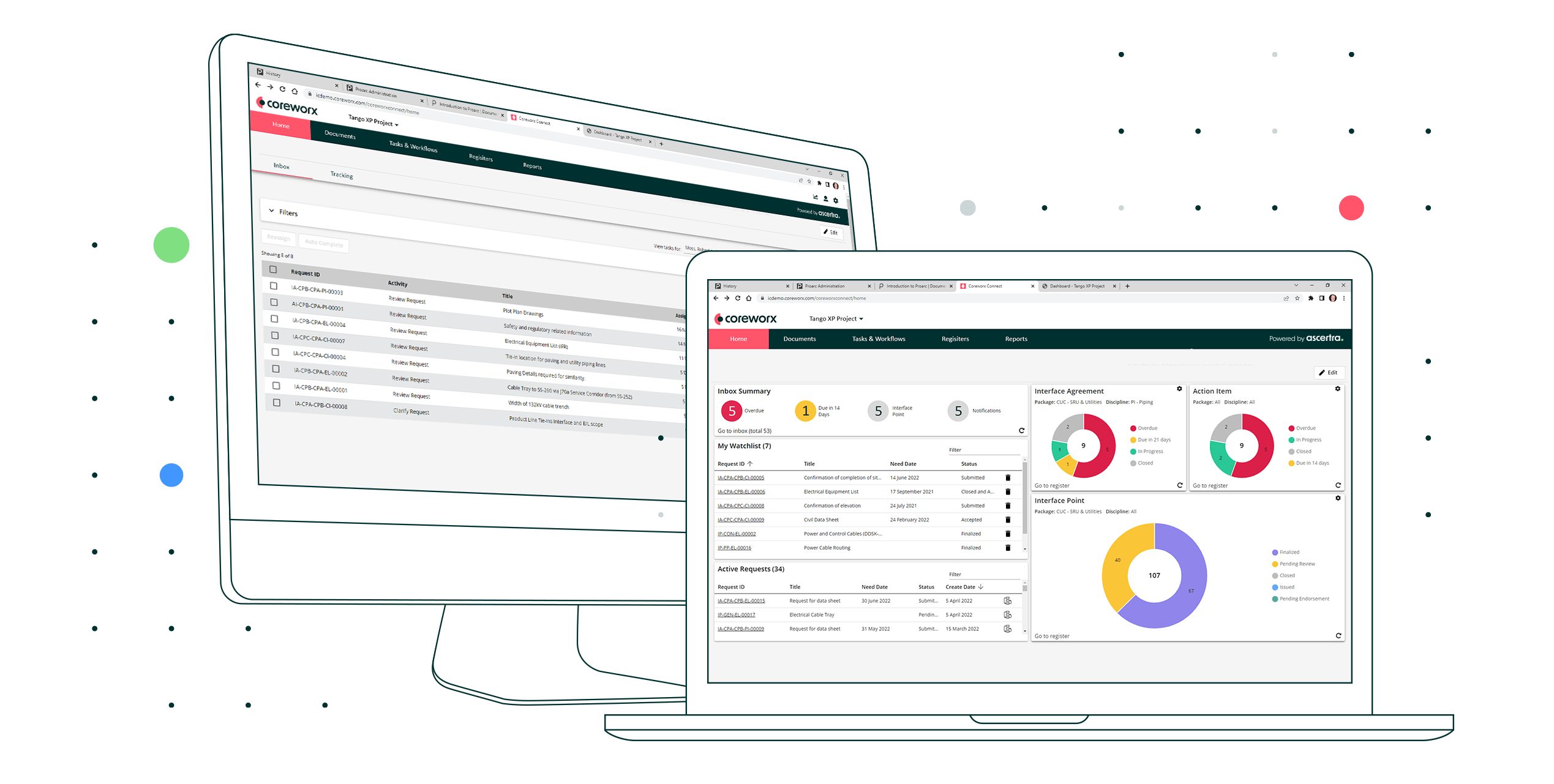
Coreworx Interface Connect is Ascertra’s leading interface management software, purpose-built for major capital projects. It creates a trusted, shared environment where owners, EPCs, contractors, and project teams can define scope boundaries, align requirements, manage interface agreements, and monitor associated risks across the project.


With clearer accountability and earlier visibility into potential issues, teams can move from reactive coordination to controlled, proactive interface management.

Coreworx Interface Management Software for Major Projects


Interface Management on Major Capital Projects

Who uses Coreworx?


Coreworx Interface Connect is used by project owners, EPCs, contractors, and interface management teams delivering complex capital projects. It connects the organizations, disciplines, and project participants responsible for managing shared scope, requirements, deliverables, and dependencies across project interfaces.


  • EPCs
  • Owner/operators
  • Contractors
  • Interface managers
  • Engineering teams
  • Project managers
  • Delivery teams
  • Project controls and scheduling teams
  • Contract & package managers
  • Vendors, fabricators, logistics providers, and subcontractors

What problems does Coreworx Interface Management help teams solve?


Coreworx Interface Connect helps project teams solve the coordination, accountability, and visibility problems that arise when multiple organizations must deliver interconnected scopes of work on a major project. It replaces fragmented spreadsheets, emails, and informal follow-up with a controlled process for defining, tracking, and resolving project interfaces.


  • Unclear scope boundaries - Gaps and overlaps occur where the responsibilities of owners, EPCs, contractors, and suppliers meet.
  • Misalignment between technical requirements - Different contracting parties work from inconsistent assumptions, specifications, or design standards.
  • Limited visibility into interface risk - Project teams don't see interface issues until they affect engineering, construction, or the schedule.

  • Engineering integration issues and rework - Unresolved scope gaps, technical misalignment, or missed handoffs creates integration problems between work packages.
  • Disconnected contractor communication - Interface-related information is spread across emails, meetings, spreadsheets, and separate contractor systems.

Two Engineers Sharing Interface Points

What benefits do major projects get from
Coreworx Interface Management?
Why do projects choose Coreworx Interface Management Software?

Major projects choose Coreworx Interface Connect because it is purpose-built for the complexity of coordinating interfaces across owners, EPCs, contractors, suppliers, disciplines, and work packages. Rather than adapting spreadsheets or general collaboration tools, projects get a structured system for managing interface responsibilities, commitments, dependencies, and risk.

  • Purpose-built for interface management in complex project environments 
  • Flexible, scalable, and configurable
  • Designed with control, security, and trust at its core
  • Trusted by complex capital projects for more than 25 years
  • Supports interface management best practices
  • Provides governance and traceability across project interfaces
  • Alignment between interfaces and the project schedule
  • Helps create the trusted information foundation needed for AI capabilities


Case Study


Read our case study to see how Coreworx Interface Management software enabled the delivery of a $13 billion oil & gas megaproject

Coreworx Interface Management Enables Delivery of $13 Billion Oil & Gas Megaproject

 

  •  


Interface management at
every project phase
Ascertra-Icons-Web-01_Ascertra-FrontEndPlanning 1
FEP / FEED
  • Interface identification
  • Scope definition
  • Define roles & responsibilities
  • Online Interface Register
Ascertra-Icons-Web-01_Ascertra-DesignImplementation 1
Detailed Design
  • Interface agreements
  • Monitor progress
  • Escalation alerts
Ascertra-Icons-Web-01_Ascertra-Construct 1
Construction & Pre-Commissioning
  • Management oversight
  • Schedule integration
  • Construction sequencing
  • Pre-commissioning activities


Ascertra-Icons-Web-01_Ascertra-Commission 1
Commissioning & Start-up
  • Handover ready
  • Interface status report


What are the key capabilities of Coreworx Interface Management Software?

Coreworx Interface Connect, the leading interface management software for 25+ years, provides projects with automated tools to help drive interface management best practice across contracting parties throughout the project life cycle.

Interface Scope Package Definition & Award


Formalized identification and assignment of major scopes of work to verify responsibility and authority over interface responsibility

Contracting Party Profiles & Membership


Identification of contractors, vendors, suppliers, and partners involved in interface activities

Contracting Party Confidentiality Matrix


Protection of confidential information and identities between interfacing parties

Interface Point Process


Formal definition of a project interface for common reference across interfacing parties, which includes important interface properties and definition of scope split.

Interface Phase Transition


Process that supports your contracting strategy by adjusting responsible parties and scopes of work across project phases.

Interface Agreement Process


Formal communications documenting the needs of one contracting party and the commitment of the other contracting party to meet these needs, on or before a certain date.

Owner / PMT Endorsement Process


Process to facilitate an owner’s visibility and authorization to ensure compliance to scope and schedule objectives and avoid rework.

Interface Queries / Action Item Process


Agile and tactical method to support adhoc assignment and completion of key activities related to an interface agreement.

Interface Bulk Import / Export


Ability to import interface content in order to save time and gain adoption.

Working Folders


Collaboration areas to share, edit, and markup files for project teams.

Interface Register & Search


Interactive list of interfaces to provide visibility and reference to interfaces, changes, actions, and responsibilities. Full-text and metadata search also provided.

Standard Document Repositories


Central source of controlled information related to interfaces, giving all stakeholders access to correct revisions and full history for discovery or handover purposes.

Definable Codes and Numbering


Configurable codes and numbering to support unique project and client standards for classification of interface content.

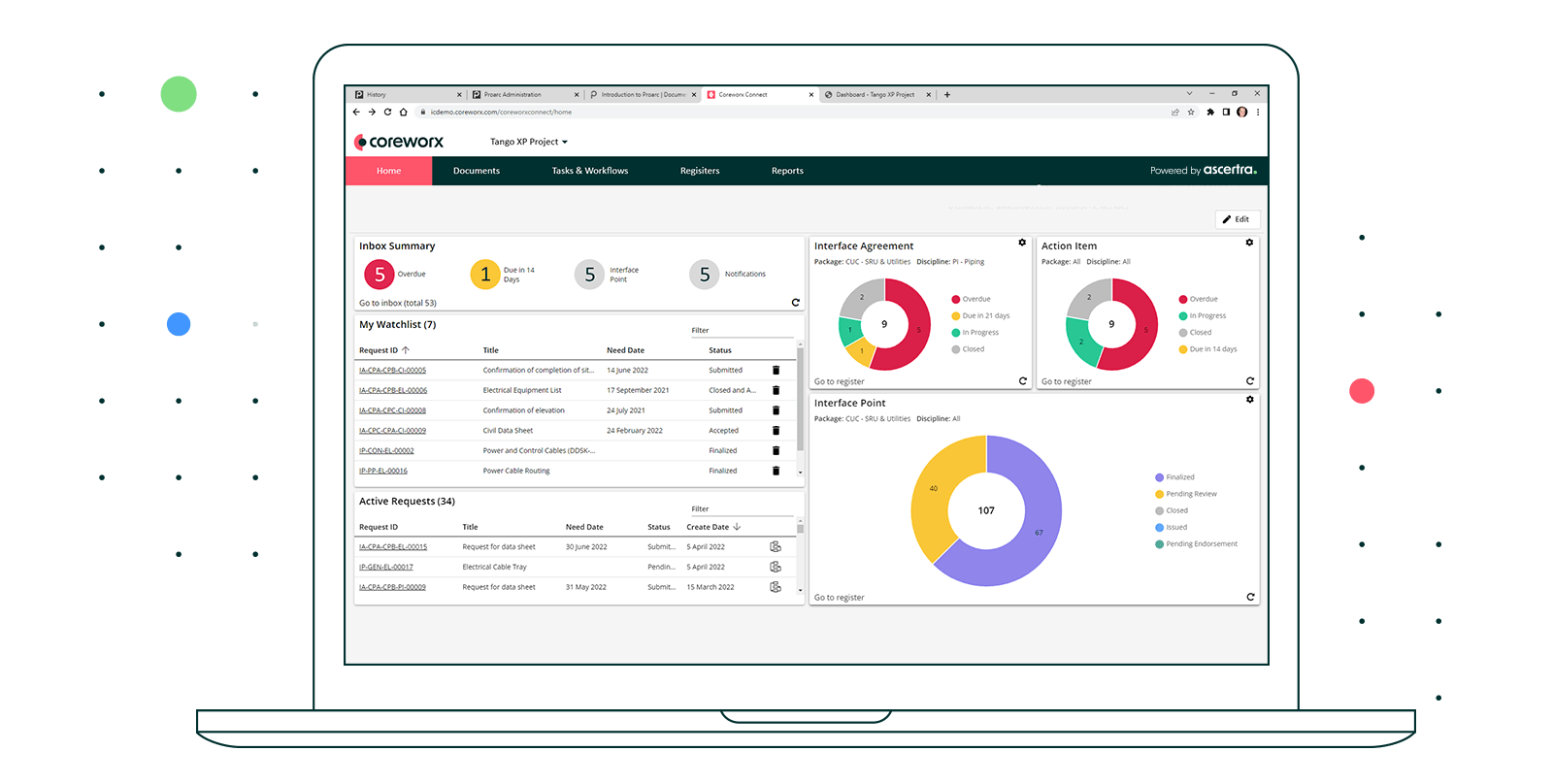
Interface Dashboard


Interactive summary of interface status and progress metrics alerting interface managers to issues and enabling them to take mitigation action.

Interface Reports


A collection of standard reports to reveal interface issues, progress, and trends.

Interface Schedule Integration


Configurable codes and numbering to support unique project and client standards for classification of interface content.

Notifications & Alerts


System-generated messages, automated visual indicators, and watch lists help prompt responsible parties to take action on potential high-risk interfaces or on interface activities affecting the critical path. In addition, these notifications communicate interface status changes to key stakeholders. 

EDMS Connector 


The Coreworx Interface Connect EDMS Connector makes it easy to integrate interfaces with documents in your controlled document repository, ensuring team members have access to the right versions of documents at all times. 


Coreworx EDMS Connector Details

Power BI Integration


The Power BI Integration helps project teams easily connect project data sources and enable data visualization capabilities that help them discover what is important and quickly identify areas of concern. 

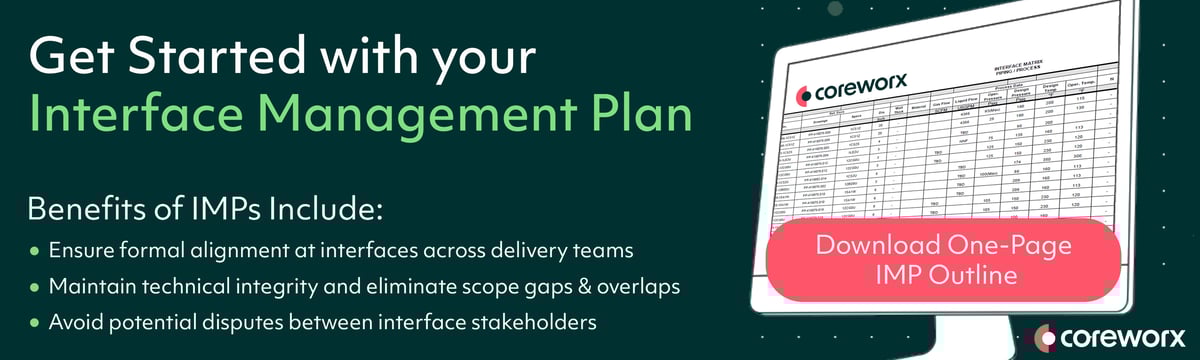
Interface_Management_Plan_Outline_Graphic_CTA

Frequently Asked Questions

The Coreworx EDMS Connector makes it easy to integrate interfaces with documents on projects

Ready to Make Project Data Integration Easier? 

Major capital projects involve thousands of deliverables; including documents such as drawings, specifications, and datasheets, all of which are frequently revised. When these documents are associated with critical interface points and agreements between contractors, it is crucial that all parties have the correct document revisions and are alerted to changes. Using outdated revisions can lead to errors, misunderstandings, and project delays.

See how Coreworx EDMS Connector makes it easy to integrate interfaces with documents. 

Ready to mitigate interface risk on your
project, reduce errors, and support
seamless integrations?
Speak to one of our engineering document management experts to learn how you can get started.
Request a Demo

Now Available: Coreworx 4.5


 We're excited to announce that Coreworx 4.5 is now available for customers. This new release introduces configurable, visual indicators that bring instant visibility of interface-related risk to users, as well as other enhancements that help streamline collaboration and improve delivery on capital projects. 


Get more details about our latest update in our blog.



Interface Management 101

 Looking to learn how interface management helps projects better manage cost growth? Or maybe you want to see how experienced interface managers have structured their interfaces? Or maybe you're looking for information about interface management KPIs?
 

Look no further, Interface Management 101 provides resources to answer your interface management questions. Whether you're starting a new program or looking to optimize, there are resources here to answer all of your questions.